> For the complete documentation index, see [llms.txt](https://aida-7.gitbook.io/aidapp/llms.txt). Markdown versions of documentation pages are available by appending `.md` to page URLs; this page is available as [Markdown](https://aida-7.gitbook.io/aidapp/launchzone/how-to-launch-a-token.md).
# How to Launch a Token
Creating and launching your own memecoin, AI Agent, or community token is now radically simplified with AIDA.
{% stepper %}
{% step %}
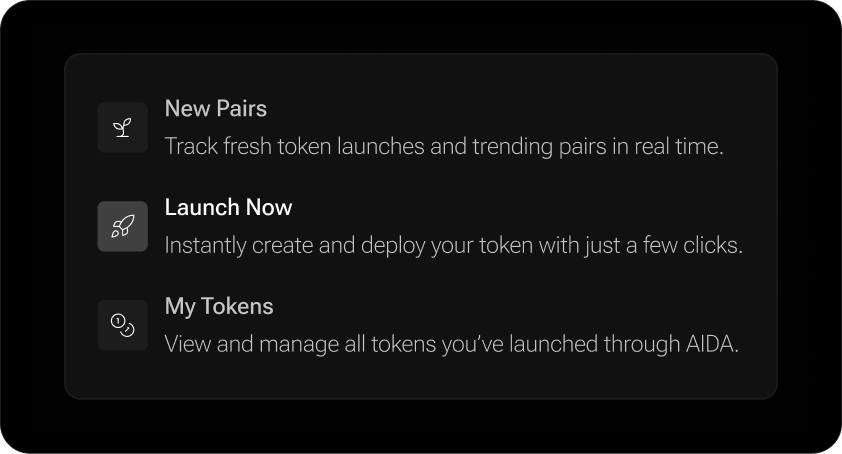
### Go to "Launch Now"
From the top menu, open the LaunchZone dropdown and select Launch Now. This is your starting point for building and deploying tokens directly from AIDA.
{% endstep %}
{% step %}
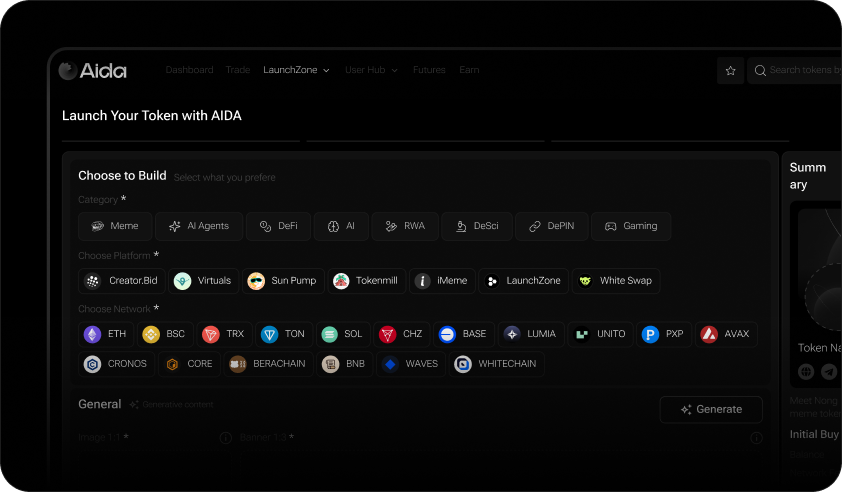
### Choose What You’re Building
Select your category: Meme, AI Agent, DeFi, RWA, Gaming, etc.
Then, pick a platform (e.g. Virtuals, CreatorBid, Sun Pump) and a blockchain network. AIDA will handle all gas, bridging, and setup logic under the hood.
{% endstep %}
{% step %}
### Select How to Create
You have two creation paths:
* **Manual**: Fill out the name, symbol, and description yourself.
* **AI-Generated**: Describe the vibe and let our AI do the rest—optimized name, symbol, visuals, and market-fit.
{% hint style="info" %}
**Step 4** covers the manual creation process.
If you choose the AI mode instead, the flow is simple and intuitive - just describe how you envision your token. The more detailed your input, the better the output.
The AI will automatically generate your token’s:
Name ,Ticker, Description, Logo, Banner
The only thing left for you to do is add your social links. See the steps below for how to do that.
{% endhint %}
{% endstep %}
{% step %}
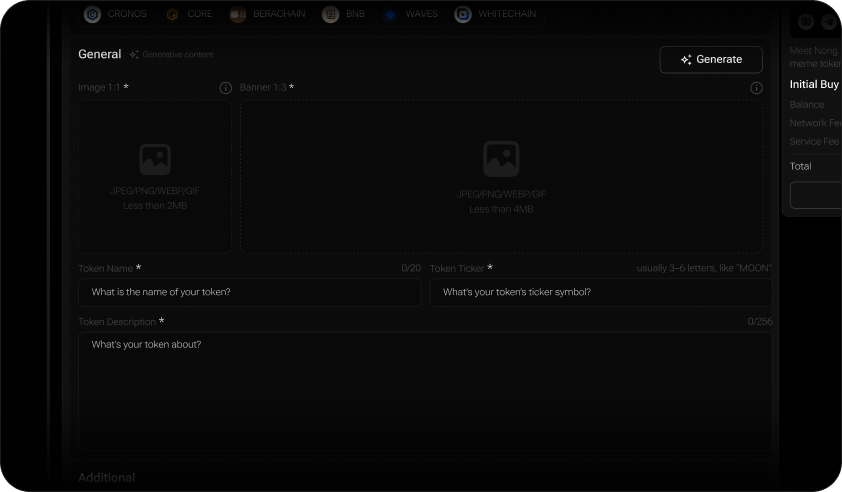
### Fill the data
Now it’s time to provide the key information that defines your token:
* **Token Image (Logo):**
Upload a logo in JPEG, PNG, WEBP, or GIF format, under 2MB. This will be the primary image users see across AIDA and token tracking platforms.
* **Banner:**
Upload a banner in 1:3 aspect ratio. This serves as the visual background of your token—used in places like Dexscreener and AIDA dashboards.
* **Token Name:**
Choose a short, memorable name that reflects your token’s concept or story (e.g., *DogWifHat*). Clear and catchy wins attention.
* **Ticker:**
Enter a 4–6 letter ticker symbol (e.g., *WIF*). Stick to a short ticker to ensure it displays well and is easily searchable via $ on social platforms.
* **Description:**
Write a brief summary about your token - what it’s about, its purpose, community, or meme inspiration. This is your chance to pitch why it matters.
{% endstep %}
{% step %}
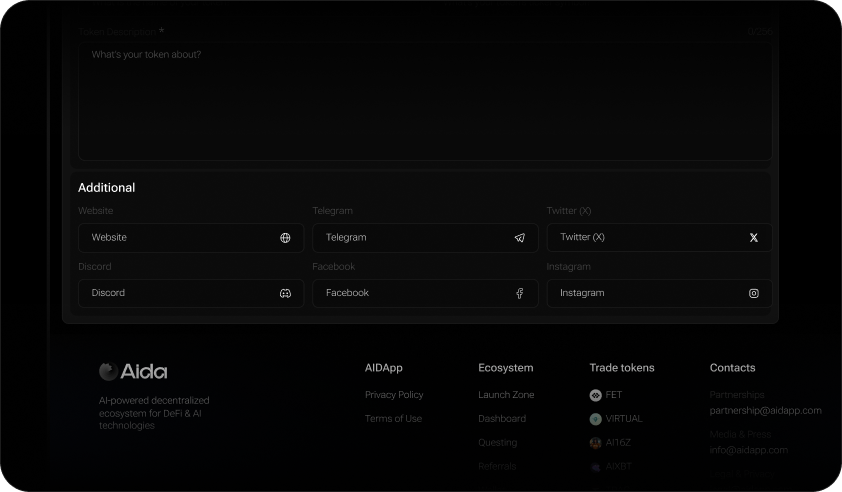
### Add Socials
Before launching, it’s important to let users know where to follow your project and build community.
AIDA lets you attach key social links directly to your token - so traders and fans can find your Telegram, X (Twitter), Discord, website, and more from day one.
You can add any (or all) of the following:
* Official Website
* Telegram community
* X (Twitter) profile
* Discord server
* Instagram or Facebook pages
These links help boost credibility and give users a place to connect, trade memes, and stay updated.
{% endstep %}
{% step %}
### Launch a Token
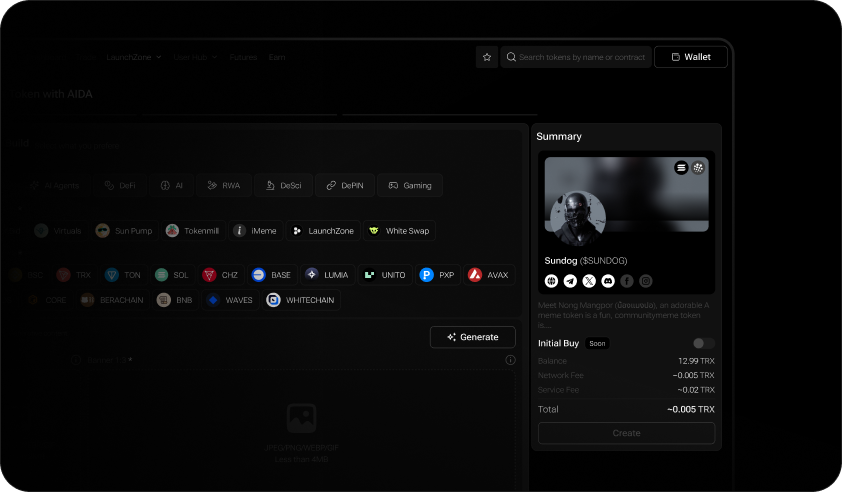
Once everything is set, you’ll see a summary of the information you’ve entered along with the fees required to create your token.
Click “**Create**” - and just like that, your token is live on AIDA. Congrats!
{% endstep %}
{% endstepper %}